Trainings
Equipment in the Makerspace @ Columbia requires training before use. Some of these trainings have video and quiz prerequisites, while others will have you complete a quiz after the in-person training.
Onboarding
If you haven’t completed your onboarding yet, do this first! It is required to access the Makerspace.
Watch our Onboarding Video (5 minutes)
Take our Onboarding Quiz and score above 90%
Come to the makerspace to set up a swipe card for accessing machines
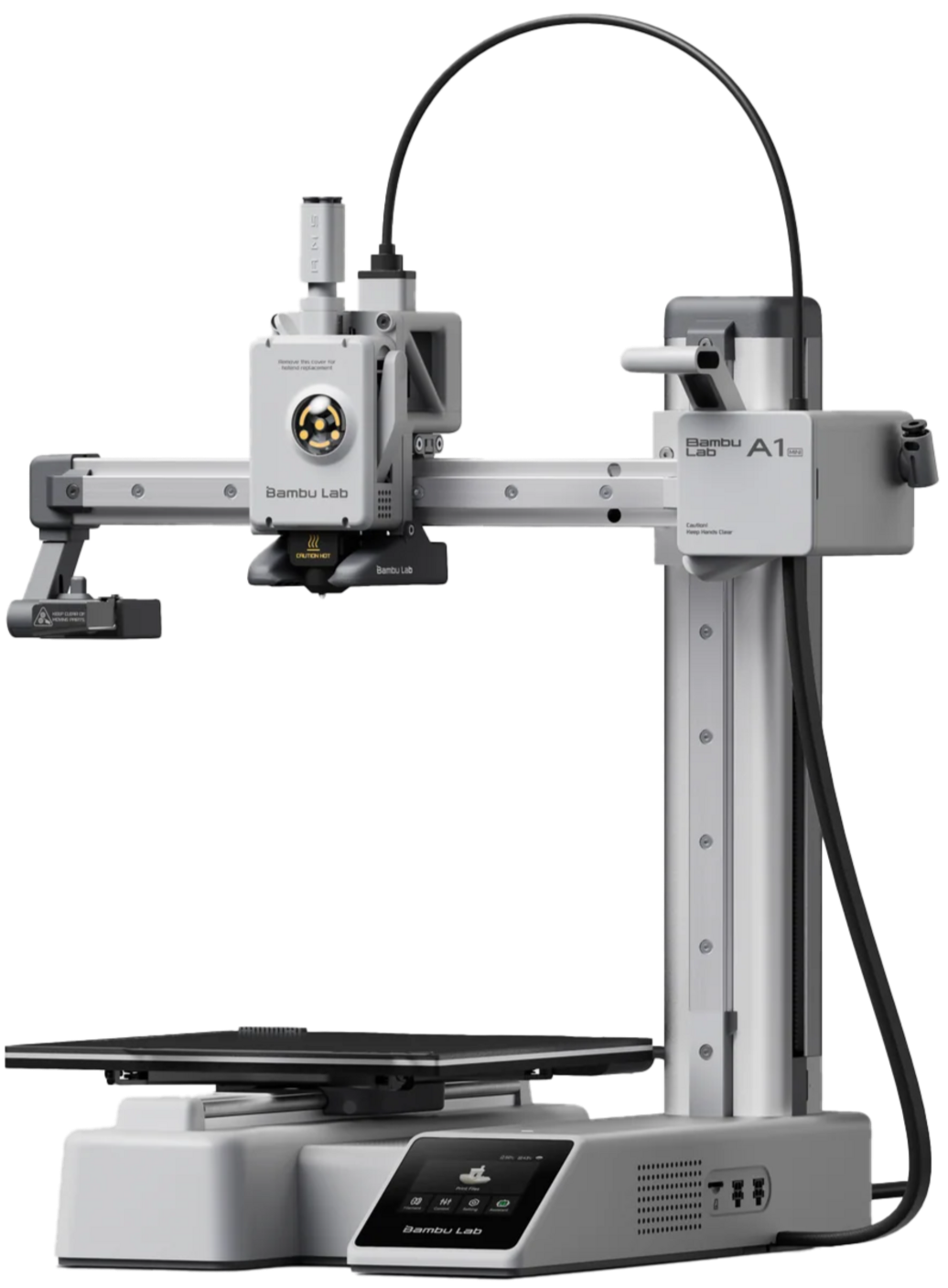
3D Printing
Watch our training videos (25 minutes)
Take our 3D printing quiz
Complete an in-person training.
Now you are ready to use the 3D printers!
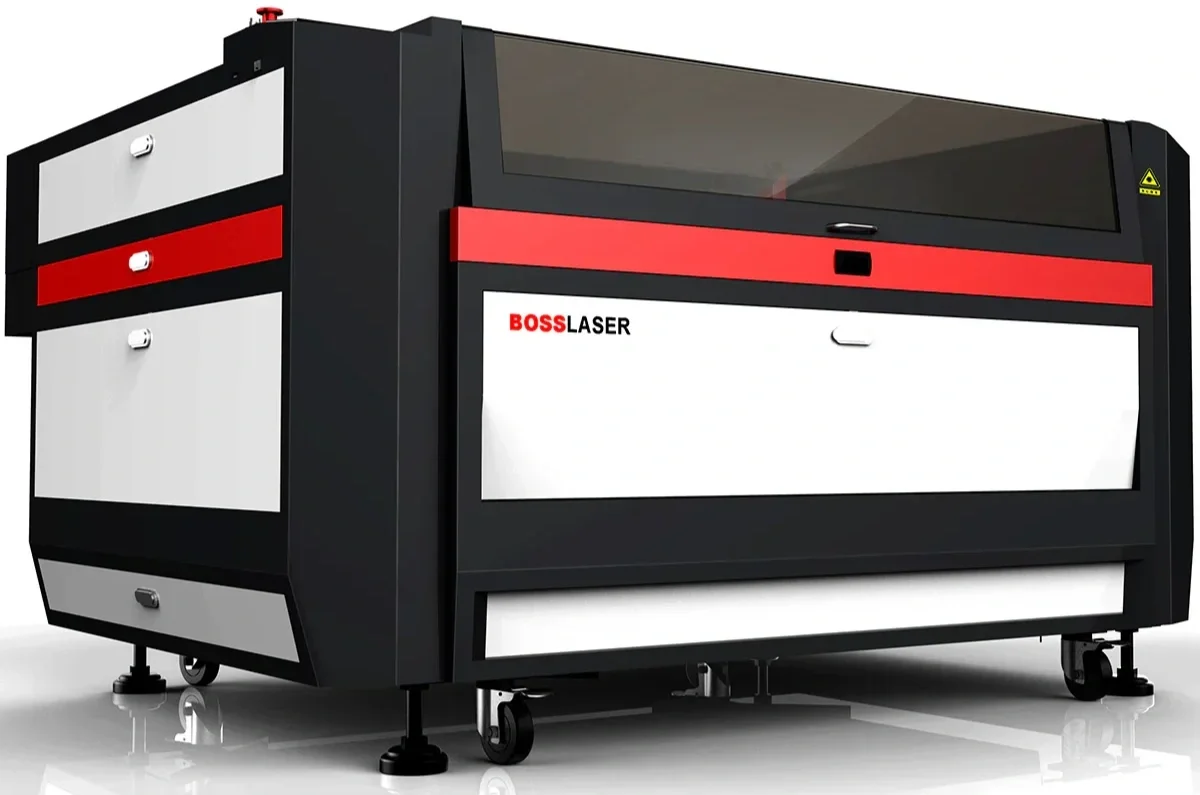
Laser Cutter
Watch our training videos (25 minutes)
Take our Laser Cutter quiz
Complete an in-person training.
You are now ready to use the Laser Cutters!
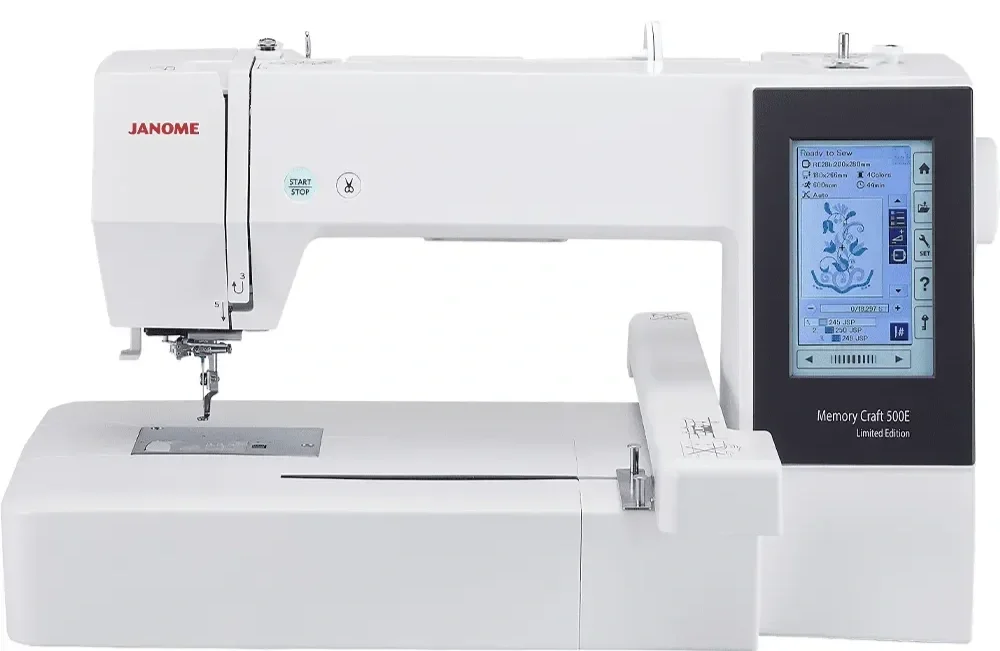
Embroidery
Complete an in-person training session
Take our embroidery quiz and score above 15/20
Give a superuser your ID card to check out the power cable when you are ready to use the machine
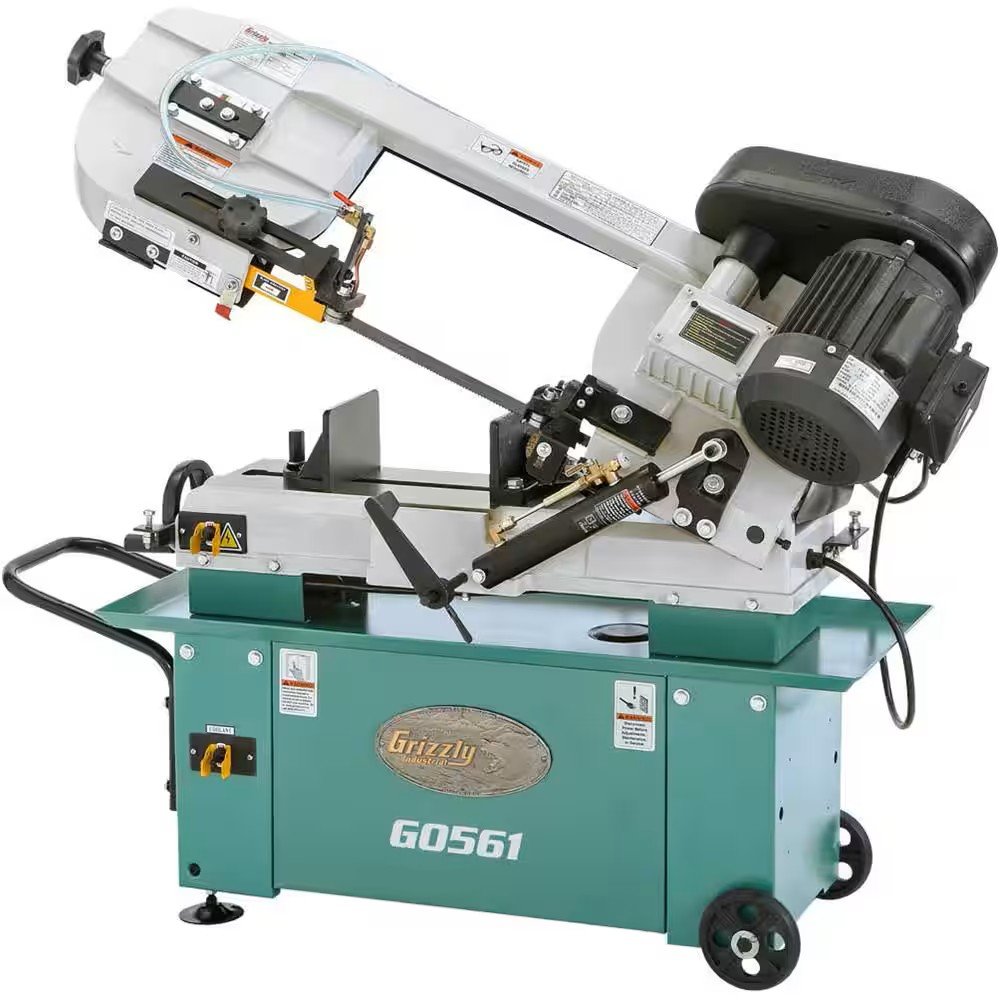
Intro Machine Shop
Complete Columbia’s RASCAL T600 training for shop access
Attend an in-person training.
For more specialized tools, contact our general email.
Vinyl Cutter
Attend an in-person training.
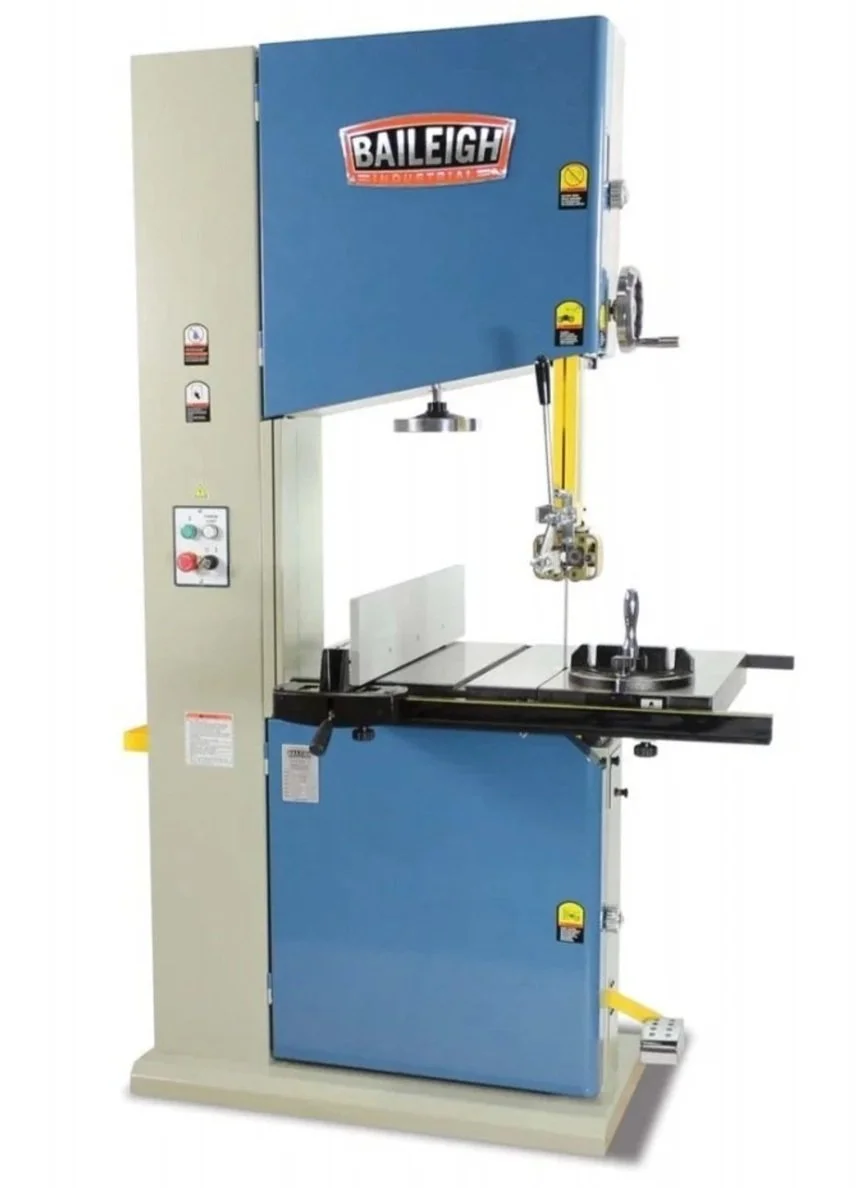
Intro Wood Shop
Complete Columbia’s RASCAL T600 training for shop access.
Attend an in-person training.
You will complete the Wood Shop Quiz after your training with the Superuser.
For more specialized tools, contact our general email.

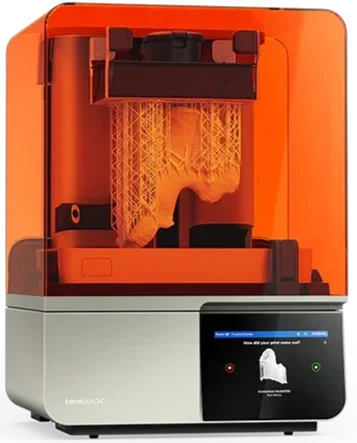
Resin Printer
Complete the training for the FDM printers.
Watch and read the following documentation:
Contact a superuser to schedule an in-person training.